Effortlessly Enhance Images Across Dynamic Ranges for Sharper Visuals in Consumer Electronics
Invented by TAKAHASHI; RYOSUKE

Today, we’re diving into a new patent that changes the way images are handled, especially when mixing bright and dark scenes, or combining different types of images. If you’ve ever wondered how your phone or camera makes pictures look so good on different screens, this is the place to start.
Background and Market Context
We all love taking and sharing photos. Pictures are everywhere—on our phones, computers, TVs, and even on billboards. But have you noticed how the same photo can look very different on each of these devices? Sometimes a sunset looks bright and beautiful on your fancy new TV, but a bit dull or washed out on your older phone. Why does this happen?
It’s because not all screens are built the same. Some can show very bright and dark parts at the same time, while others can’t. The technology that lets cameras and screens show a wide range of brightness is called High Dynamic Range (HDR). Older screens and many images use Standard Dynamic Range (SDR), which can’t show as many bright or dark details.
As display technology gets better, more people want pictures and videos to look perfect on every screen. TV makers, phone companies, and camera brands are all racing to make this happen. They use special tricks, like “gain maps,” to help images look just right, no matter where you see them.
But there’s a problem: When you add new things to a photo—like stickers, text, or objects in editing apps—these tricks sometimes stop working. The picture might look odd, with the new object too bright or too dark compared to the rest of the photo. People want to add fun stuff to their pictures, but they also want everything to look natural. This is where the new patent comes in.
With more and more people sharing and editing images, the market is hungry for a better way to blend images and make sure they always look good, no matter the screen. This is important for everyone: from pro photographers, to kids making memes, to companies building the next smart camera.
Scientific Rationale and Prior Art
To understand this new invention, let’s go over the science behind it. First, let’s talk about what makes an HDR image different from an SDR image. HDR images can capture very bright spots and very dark shadows in the same photo. SDR images, which are what most old TVs and phones use, can’t show as much detail in these extremes. When you convert between these two types, you usually need to adjust the brightness (or “gain”) in different parts of the image to get the best result.
That’s where “gain maps” come in. A gain map is like a hidden layer that tells each part of the image how much brighter or darker it should be when changing from HDR to SDR, or the other way around. Each pixel or region in the image can have its own special gain value. This way, the final picture looks natural, with no blown-out highlights or muddy shadows.
Older patents and products use gain maps to convert images for different screens. For example, Japanese Patent Laid-Open No. 2007-4675 talks about dividing an image into parts, and applying different gain values to each. This helps, but only if you’re not editing the image after the gain map has been made.
But what if you add something new to the image—a logo, caption, or a digital sticker—after making the gain map? The old gain map doesn’t know about this new object, so it can’t adjust the brightness correctly. Imagine putting a white caption over a bright sky, only to see it turn gray or be almost invisible on some screens. That’s not what anyone wants.
Some solutions try to fix this by making new gain maps every time you add or change something in the image. But this can be slow, take a lot of memory, or not work well when you have lots of changes or layers in the image.
The need is clear: we want a simple way to add things to images and always have them look good on any display, without extra steps or complicated tools. This is the gap the new patent is designed to fill.
Invention Description and Key Innovations
This new patent is all about making images flexible and smart, so they always look good—even after you add new things to them. Let’s break down how it works, in easy terms.
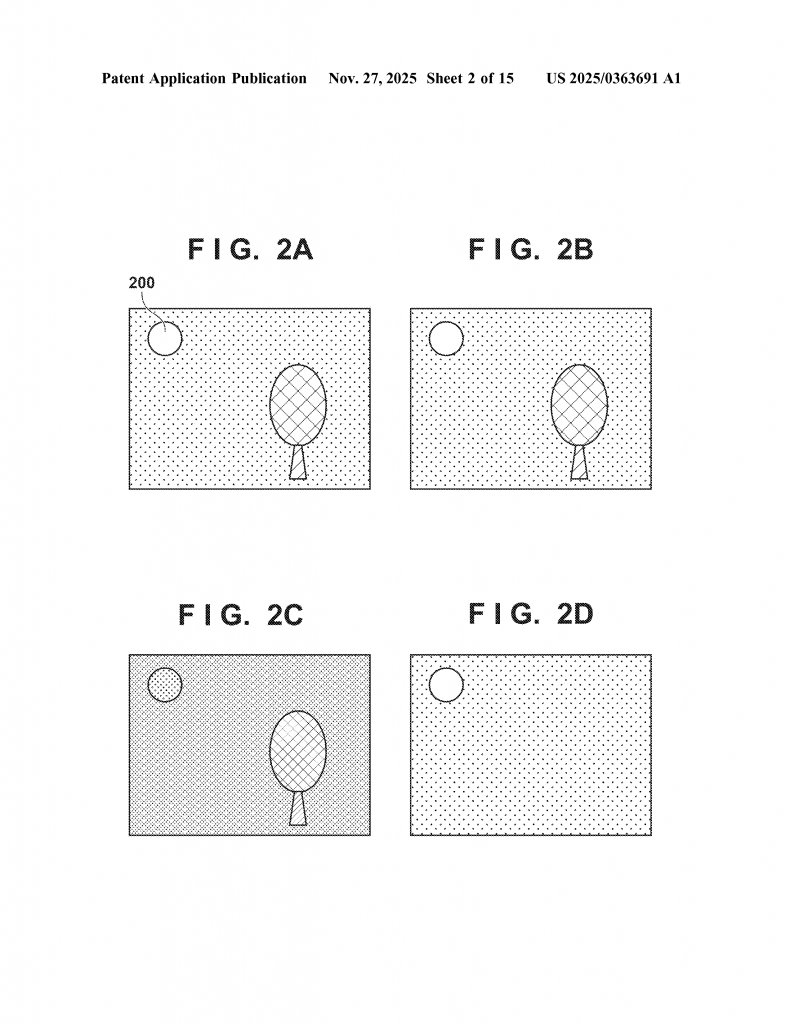
First, imagine you have a nice HDR photo. When you take it with a camera, the file usually has two main parts: the image itself, and a gain map. The gain map tells the computer or TV how to show the picture on different screens. So far, nothing new.
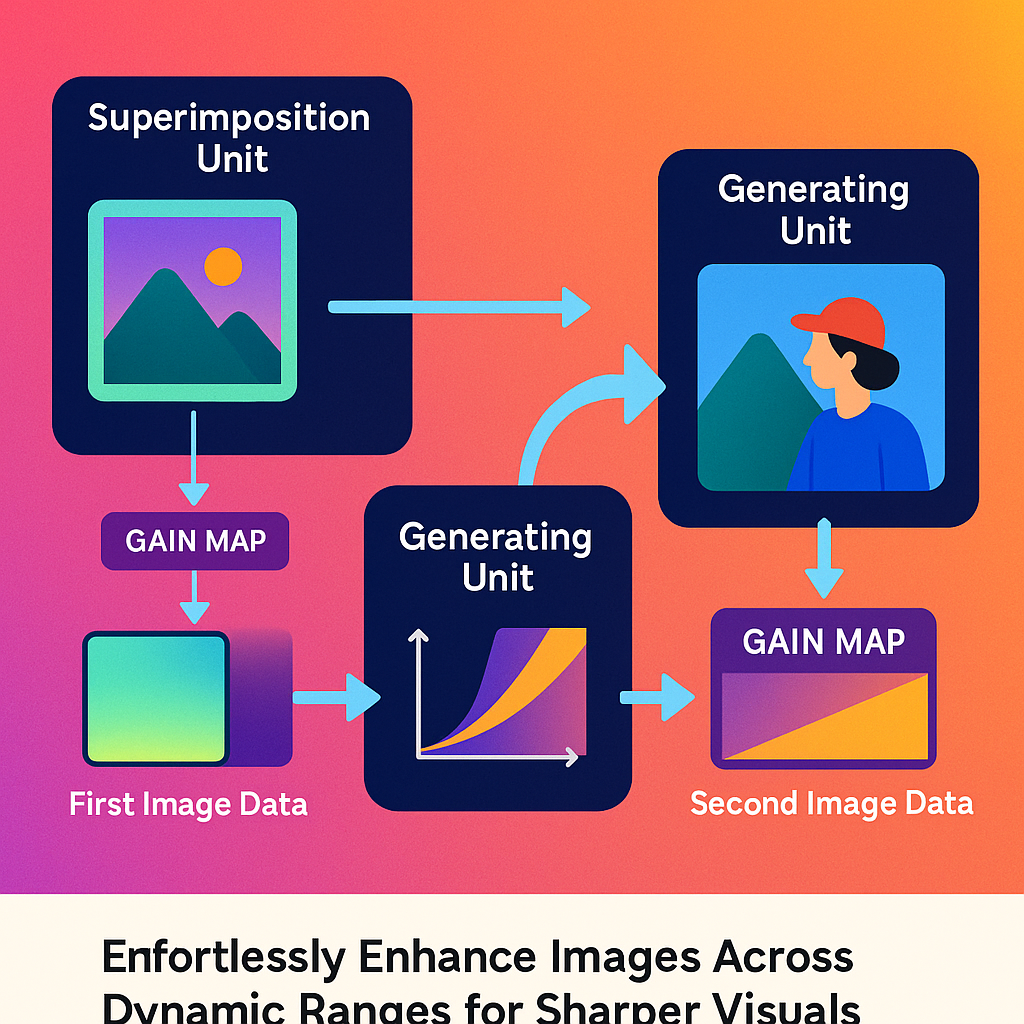
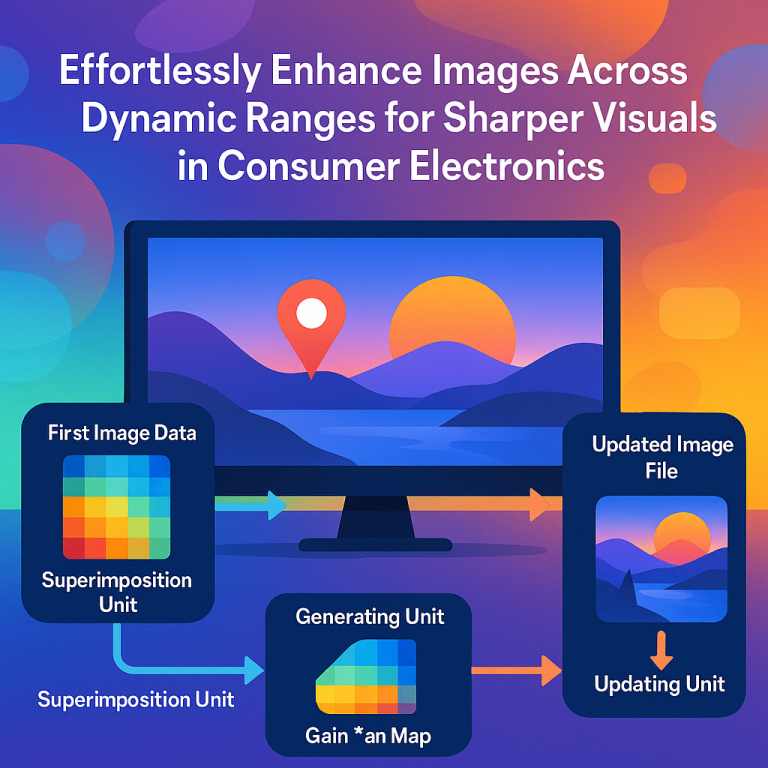
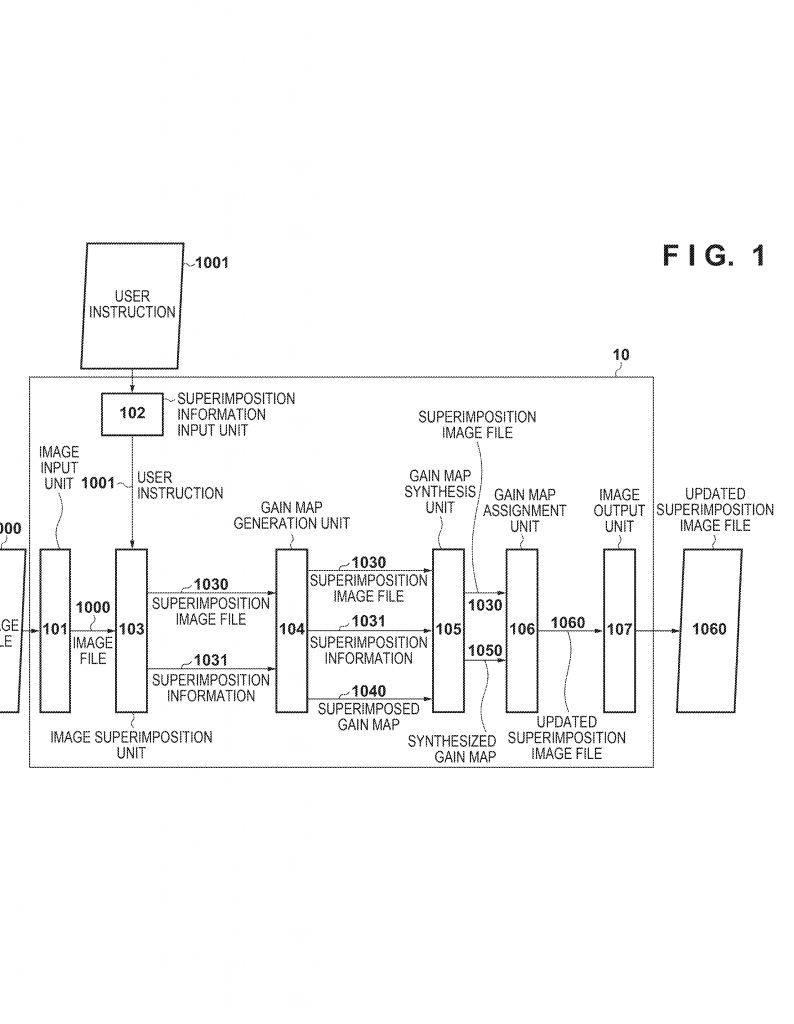
Now, you want to add something to the photo. Maybe a cartoon character, a date stamp, or a caption. The invention brings in a special “superimposition unit.” This is just a smart part of the system that lets you put your new object on top of the original image. But here’s the trick: it doesn’t just stick the new object onto the picture. It also knows that the brightness of this object has to match the rest of the image, for every kind of screen.
The system then uses a “generating unit.” This part figures out how bright the new object should be, based on its own color and brightness, and how the rest of the image will look when it gets shown on different screens. It creates a new gain map just for this combined image. This new gain map knows about both the original photo and the new object.
After that, an “updating unit” comes in. It updates the image file, putting in the new combined image and the new gain map. Now, the image file has everything it needs: the latest photo, the new object, and a gain map that works for both. When you open this image on any device, it will look just right. The white caption stays white, the cartoon pops out, and nothing gets lost or too bright.
The invention also has some smart ways to make this process faster and use less memory. For example, if you only add a small object, like a sticker in one corner, the system can just update the gain map for that part of the image, not the whole thing. This keeps file sizes small and makes the process quick.
It also lets you have layers, like in photo editing apps. You can add, remove, or change objects, and each layer can have its own gain map. If you want to remove a sticker or undo a caption, it’s easy—the system just goes back to the earlier gain map, so the rest of the image is not affected.
This invention isn’t just for phones or computers. It can be built into cameras, TVs, tablets, or any device that handles images. It can even work as software you run on a computer, or as a special chip inside a camera. You can save your edited images with all the right info, and share them knowing they’ll always look good.
In short, the key innovation is the way the system makes and updates gain maps every time you add something new to an image. It does this automatically and only for the parts that change. This means images are always ready for any screen, no matter how much you edit or play with them.
How Does This Help You?
If you’re a photographer, you get more control over how your images look on any screen. If you’re a casual user, you can add fun things to your photos and never worry they’ll look strange on your friend’s TV. If you’re building an app or a camera, you can use this system to make your product smarter and your users happier.
Conclusion
Photos and images are everywhere, and people want them to look perfect, no matter where they see them or how they edit them. This new patent delivers a simple, smart way to make sure images always look just right, even after you add new things. It solves the tricky problem of mixing HDR and SDR images, and makes editing easy for everyone. Whether you’re making pictures for fun or for work, this invention means your images will always shine—on every screen, every time.
Click here https://ppubs.uspto.gov/pubwebapp/ and search 20250363691.